Mapping MEC
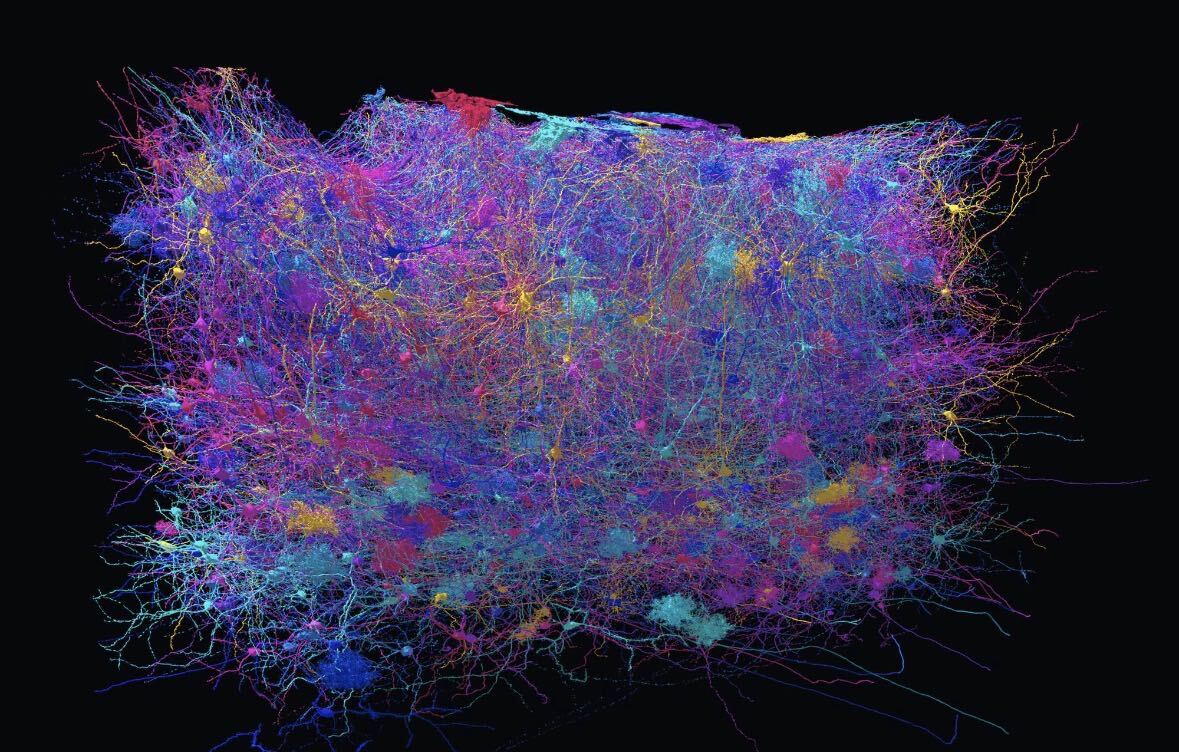
The lab needs help proofreading axons!#
Here is how:
- Claim a cell
Open the Cell Library on MEC, click Available, pick a cell and press Claim. It is yours until you complete or release it.
- Find the AIS
The AIS (axon initial segment) is where the axon leaves the cell body. It is the starting line for everything else.
Under your cell in the Cell Library, open Marks and pick AIS. Press Go to the lab’s AIS point. The lab has already placed a point where they believe the axon starts. Check it. The axon usually leaves the soma (or a thick dendrite close to it) as a single smooth, thin branch with no spines. If the lab’s point is on it, good. If it is off, move the crosshairs onto the start of the axon. Press Confirm AIS here. The AIS mark goes where the crosshairs are.
If the cell has no distinct axon, skip the mark and say so in your notes when you complete it.
- Proofread the axon (and only the axon)
Follow the axon from the AIS out to every one of its ends. Along the way, fix what is wrong.
- Missing pieces: the branch stops in 3D but clearly goes on in the image. Find the next piece and merge it on (press M, then Ctrl+click both pieces).
- Something that does not belong: a piece of another cell joined on. Cut it off (press C, Ctrl+click red points on one side of the join and blue points on the other, then press Submit cut).
You may cut the axon off from the rest of the cell during proofreading. Just make sure to merge is back before you complete the cell.
Leave the rest of the cell alone. There is no need to fix or check dendrites, spines and the cell body. We're investigating the downstream partners of these cells, which are reached through synapses on the axons, so that's why we need these first.
Do not merge mitochondria. Inside the axon you will see small dark ovals, often as separate pieces <image>. They are mitochondria, the powerhouse of the cell. We plan to analyze them later, so please keep their meshes separate.
Some axons run out past the edge of the imaged volume. Proofread up to the edge and move on.
Stuck on a branch? If a branch should go on but you cannot find the next piece, ask for help in the Cell Library or in chat. You can share your view and carry on in other areas until you hear back.
Keeping track. On a big axon it is easy to lose your place. Highlight (Shift+H) lets you colour the stretches you have already checked. You can also use Lantern mode to hide sections of the cell so that you can focus on specific branches.
The other annotation layer in Marks (True End, Can’t Fix and Hits Edge) are optional now. Use them if they help you keep track, but only the AIS is required.
- Complete it
When every end of the axon is done, Complete the cell, either in the Cell Library or with the Δ button next to its segment ID, and choose Axon complete. It counts as one of your completed cells, and the lab’s spreadsheet records it. Proofread axons count toward you cell completion, even if eventually we go back and add more to the dendritic arbor.
Merge Errors#
MEC is currently experiencing some errors with splits and merges. This is a dataset error rather than an issue with the game interface.
For now please follow this protocol: If you encounter errors please add new annotation layers named "Merge Errors" and "Split Errors" and use the line annotation type to mark where you want the split or merge. You can then continue to complete the rest of the cell as normal. Please leave a note that you encountered errors and what type (merge, split, both) when you submit the cell as complete.
Need help?
Use chat, ask in the Help tab, or drop us an email.
Need a bigger challenge? Try Super Quests :)
Thank you for mapping neurons in Pyr. Every axon you finish goes straight into the connectome, bringing us one branch closer to understanding the brain. For science!